
K3Y for Tesla
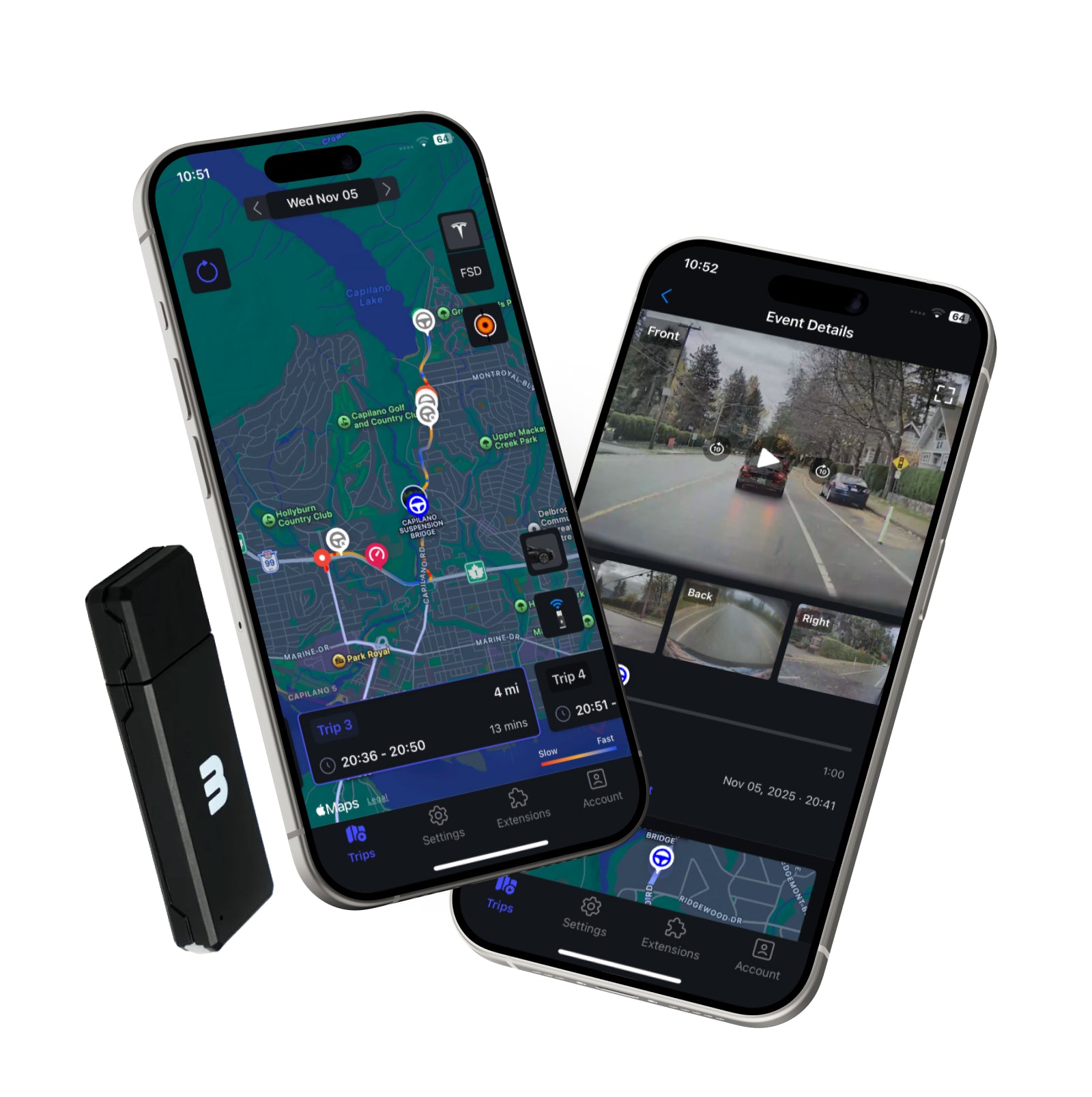
- 1See every camera from your phone. Front, rear and side clips from your Tesla in the free CONSOL3 app, without pulling the USB drive.
- 2Incidents flagged for you. Honks, hard braking, collision warnings and Autopilot disengagements are marked on your trip map automatically.
- 3Works with the dashcam you already have. Plugs into the glovebox USB port. No wiring, no cameras to mount, no subscription.
K3Y for Tesla
If you have any questions, you are always welcome to contact us. We'll get back to you as soon as possible, within 24 hours on weekdays.
Shipping Information
Orders ship from Vancouver, Canada, and you get a tracking number by email as soon as the label is printed. Delivery times and costs are in our Shipping Policy.
Customer Support
Email support@matt3r.ai and include the K3Y ID shown in the CONSOL3 app so we can check your device. We reply on weekdays.
FAQ’s
Common questions about the K3Y, the CONSOL3 app and Tesla dashcam encryption are answered on our FAQ page at matt3r.ai/pages/faq.
Contact Us
Use the contact form at matt3r.ai/pages/contact or email support@matt3r.ai. We are based in Vancouver, Canada.
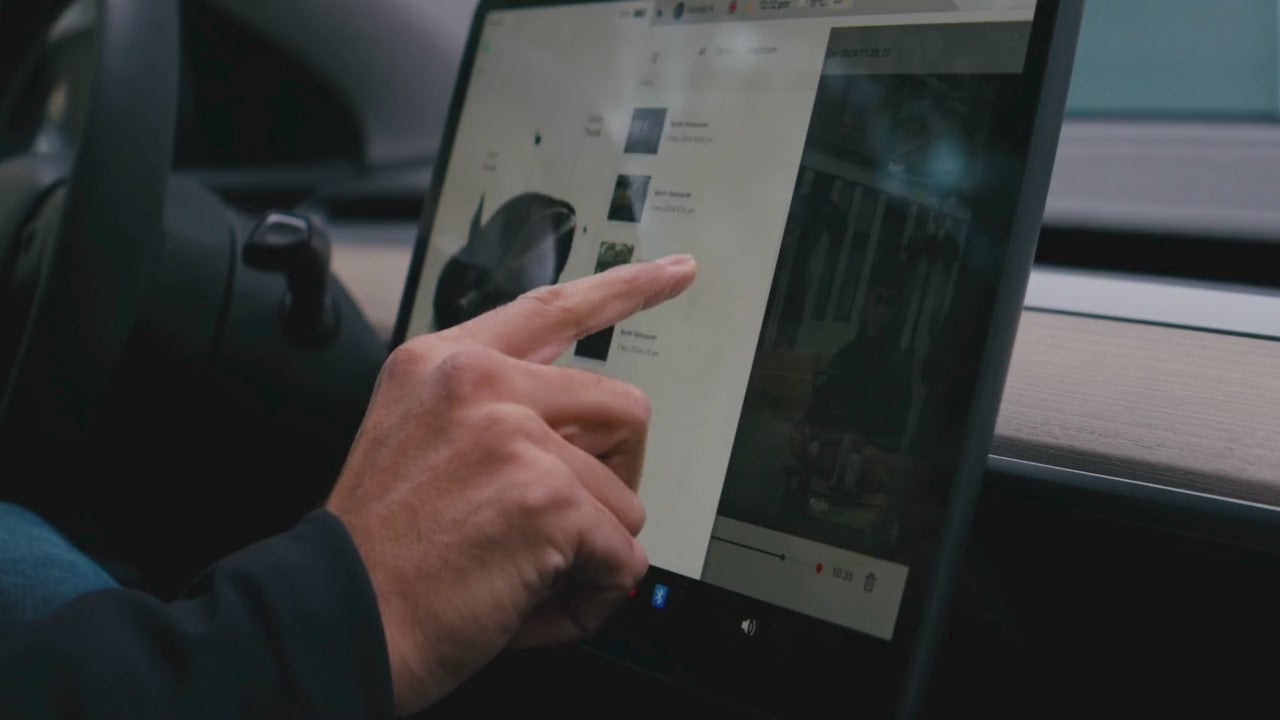
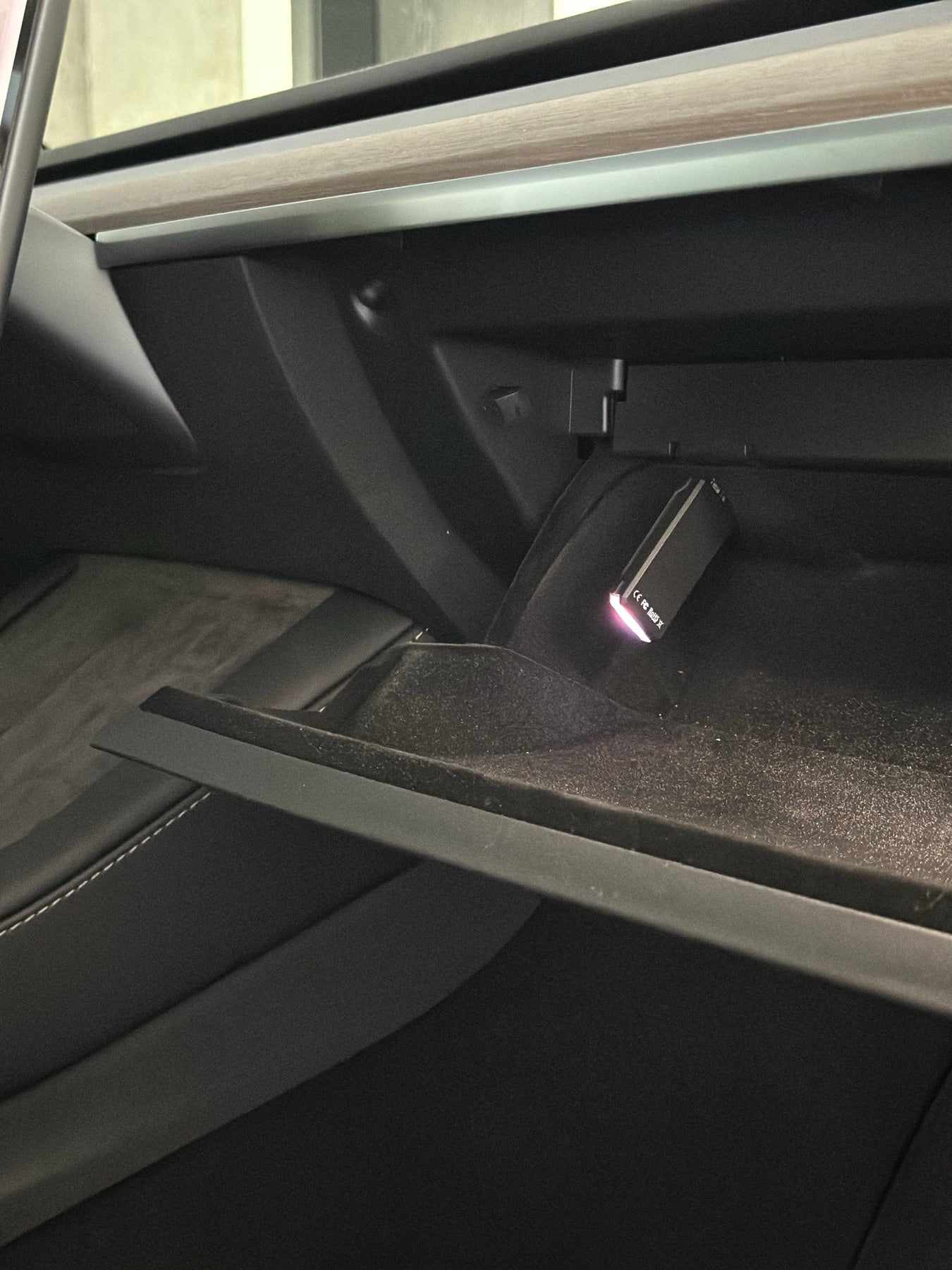
Sits in the glovebox. Sets up in minutes.
Plug the K3Y into your Tesla's dashcam USB port, open the CONSOL3 app and follow the setup. No wiring, no cameras to mount, nothing on the windshield. It records exactly what your Tesla's cameras see and adds the trip context Tesla leaves out.
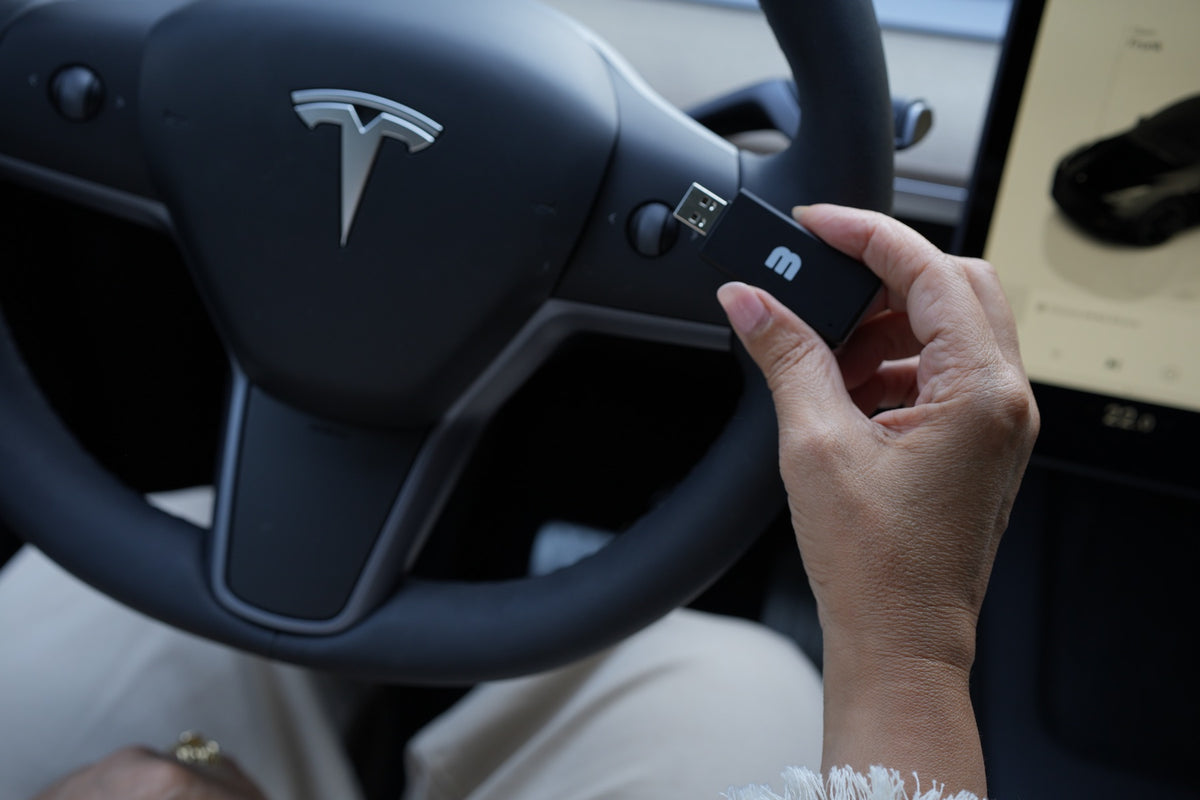
Find the moment in seconds.
Every trip appears on a map with the events that matter marked on it: honks, hard braking, front collision warnings and Autopilot disengagements. Tap the marker, pick the camera, and the clip is on your phone. After an incident that is the difference between having the footage and hunting for it.
What reviewers say about K3Y


“That tiny USB Drive supercharges your existing Tesla dashcam and gets you so much out of your Tesla without having to add cameras or complicated installs. That’s why I love the MATT3R K3Y.”


“MATT3R K3Y plugs into your Tesla’s glovebox USB and supercharges the experience with ultra-high-resolution footage, mapping, and telemetry. For FSD drives, it helps you see disengagements, routes, and acceleration data, all inside the companion app.”


“The K3Y enhances Tesla’s built-in dashcam with higher-quality footage, automatic incident tagging, map-based trip review, and powerful driving insights.”
Product Specs
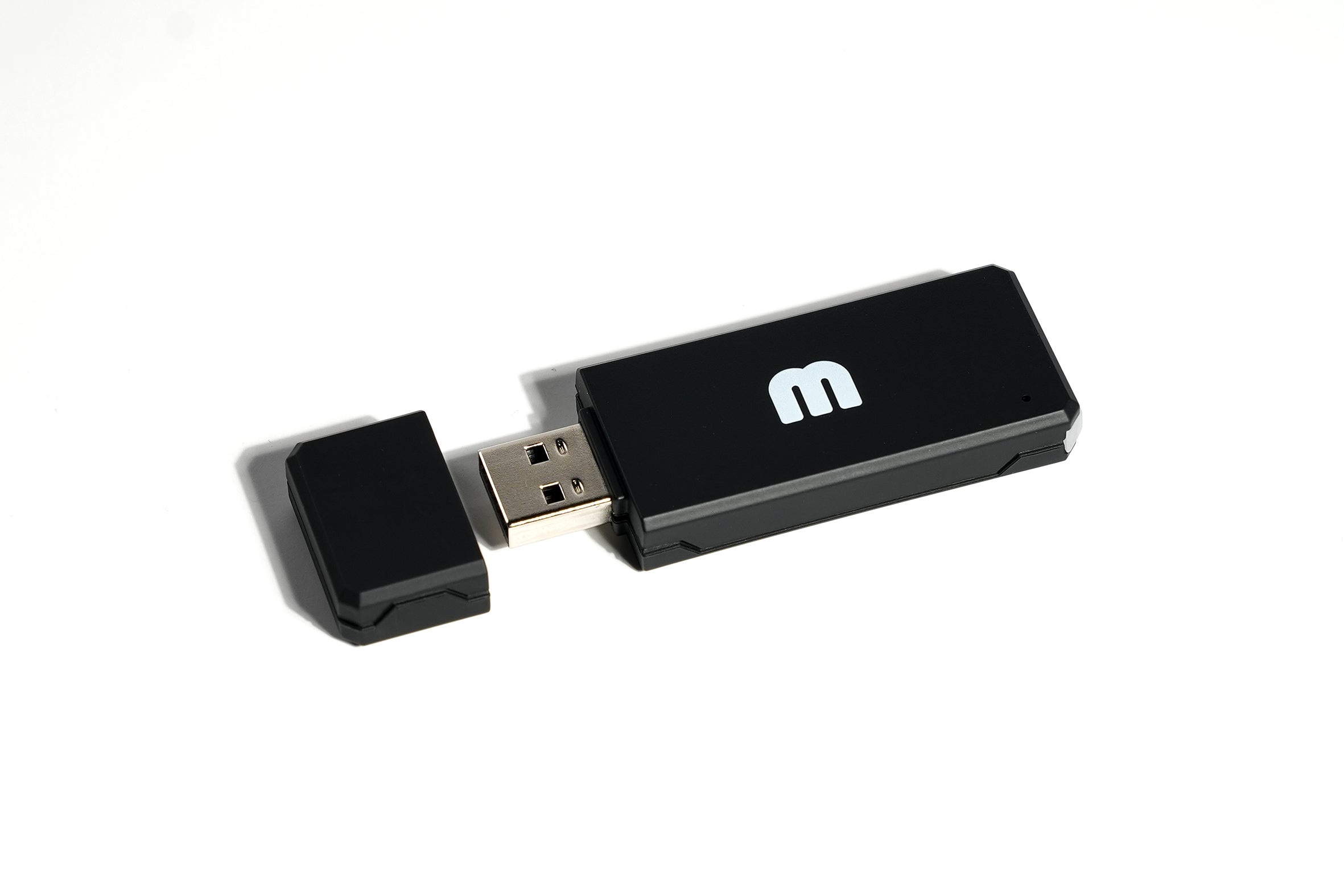
- ConnectorUSB 2.0 Type A
- Storage128GB Smart Storage
- Cloud BackupUp to 30 days
- ExtensionsDropbox, DIMO, WhamBaam, and more
- ConnectivityDual band Wi Fi & Bluetooth 5.0
- Operating Temp14°F to 113°F (–10°C to 45°C)
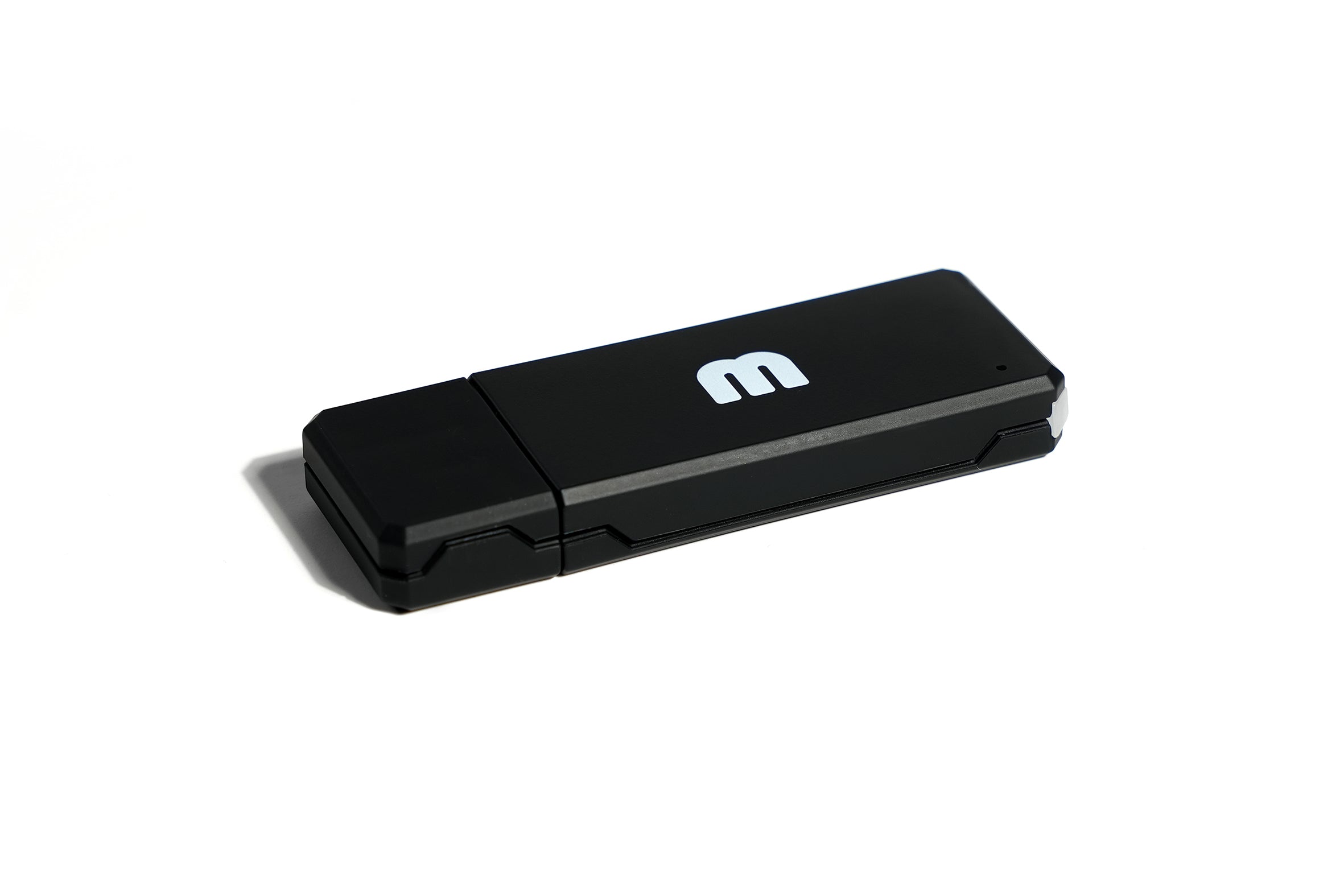
- Dimensions & Weight70 × 25 × 9 mm, 20 g
- RequirementsiPhone (iOS 18+) or Android
- Compatibility Model S, 3, X , Y, Cybertruck
- EncryptionWorks with Tesla 2026.20 and newer. Turn off Encrypt Dashcam Recordings in Controls > Safety (one-minute step)
For 2017 to 2021 models, compatible if there is an existing dashcam USB feature

MATT3R K3Y
Below are some common questions about MATT3R K3Y.
What big issue does the K3Y solve?
MATT3R’s K3Y device and CONSOL3 app put Tesla drivers in control of the video footage their vehicle records while in motion—and give context to that footage through innovative AI technology.
At present, it’s a cumbersome process for Tesla owners or fleet managers to retrieve this footage themselves.
The K3Y transforms this process, recording footage from Tesla vehicles’ external cameras and making it accessible wirelessly via the CONSOL3 app. The app offers an easily accessible surround view of every trip and intelligently flags on-road events like honks, harsh braking, front collision warnings, and autopilot disengagement, with more features to come in the future.
What’s included in the K3Y order?
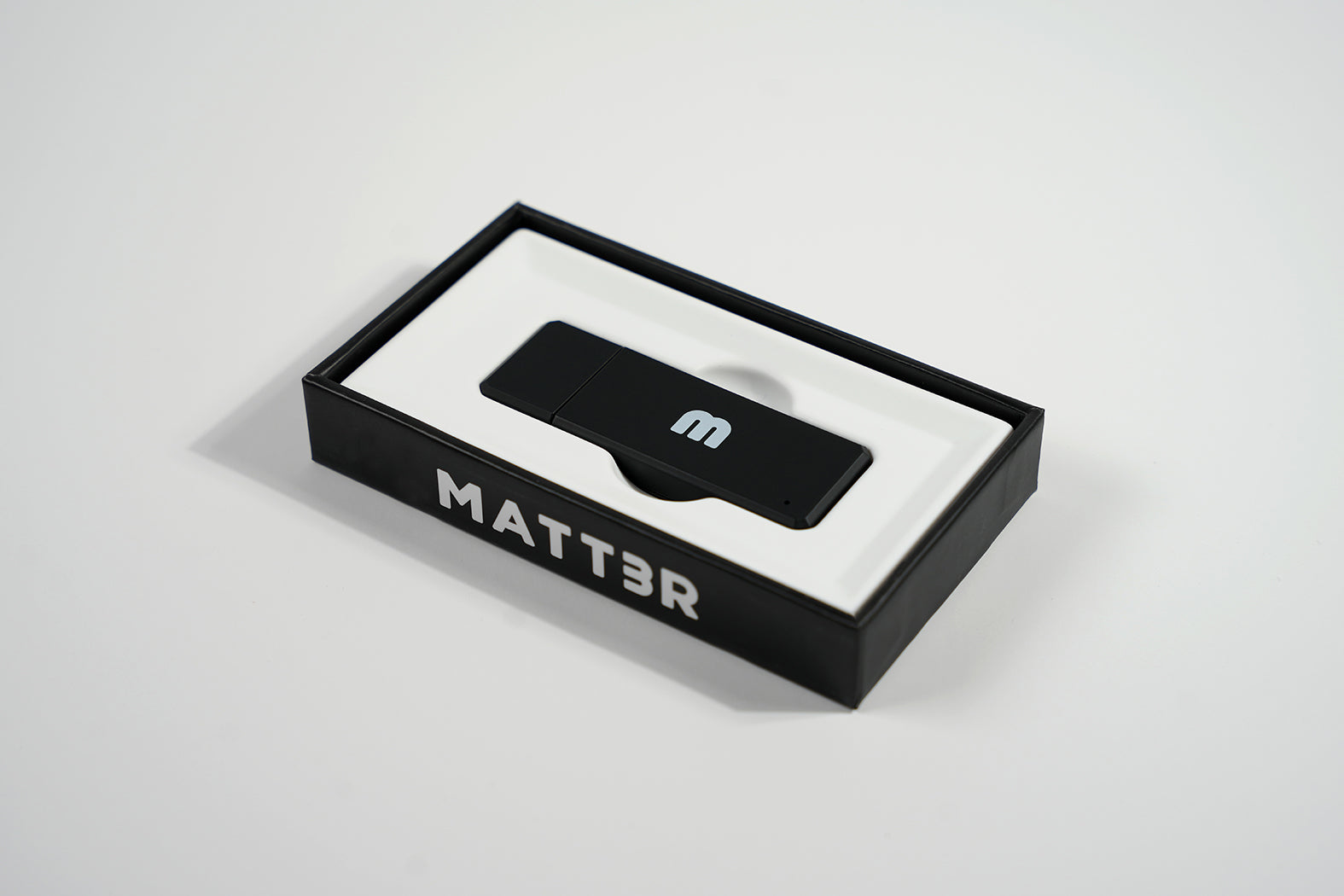
The K3Y order is $299 and includes the K3Y device and access to K3Y’s companion CONSOL3 app for iOS and Android.
Does K3Y or CONSOL3 require a subscription?
No. K3Y purchased today includes access with no subscription required. If pricing changes in the future, it would apply to future customers, not your current unit.
What are the technical specifications of the K3Y?
- Connector: USB 2.0 Type-A
- Storage: 128-GB storage capacity
- Wireless: 802.11 a/b/g/n/ac (2.4, 5GHz) and Bluetooth 5.0
- Dimensions: 70mm x 25mm x 9mm
- Weight: 20g
Which Tesla vehicles is the K3Y compatible with?
Model 3, Model Y and Cybertruck (all years), plus Model S and Model X from 2021 onward. Older Model S and Model X (2017 to 2020) work if the car already has Tesla’s Dashcam USB feature.
Depending on market region, vehicle configuration, options purchased, and software version, your vehicle may not be equipped with Dashcam or the features may not operate exactly as described.
Does the K3Y work with Tesla’s dashcam encryption (software 2026.20 and newer)?
Yes. Tesla 2026.20 turns on Encrypt Dashcam Recordings by default, and encrypted clips can only be read by the car itself, so the K3Y needs that toggle off. On the car’s touchscreen go to Controls > Safety and switch off Encrypt Dashcam Recordings. It takes about a minute and Dashcam and Sentry keep recording normally. Step-by-step guide: How to turn off dashcam encryption.
Two things to know: clips recorded while encryption was on stay encrypted, so switch it off before you plug in the K3Y, and a Tesla software update can turn the toggle back on. If the CONSOL3 app shows an encryption notice, check the toggle again.
Can the K3Y be used alongside other USB storage devices?
No. The K3Y should be the only USB storage device connected to the Dashcam port. Using it alongside another USB storage device can cause recording issues or prevent the Dashcam from functioning properly.
Why is the K3Y only offered in a 128GB format?
K3Y is designed to work smart by relying less on local storage. With built-in cloud backup and AI-powered event detection, important footage is preserved without the need for excessive onboard capacity. This makes 128GB the ideal size for reliable performance while keeping your most important clips safe and accessible.
Which countries does the K3Y support?
K3Y works in most countries where Tesla operates, including North America and Europe, and Australia. The only exception is China, which is not yet supported. We’re working on adding compatibility for China in the future.
Do I need Premium Connectivity for the K3Y to work?
No. K3Y does not require Tesla’s Premium Connectivity. It can connect through your home WiFi, mobile hotspot, or an optional LTE modem to upload and access footage.
Does the K3Y only work with Tesla?
K3Y is currently designed to work exclusively with Tesla vehicles. Support for other brands is planned for the future, and we’re exploring compatibility options to bring K3Y’s features to more drivers.
Does the K3Y capture B-pillar footage?
Yes. K3Y captures all exterior camera angles recorded by Tesla’s Dashcam system, including the B-pillar cameras, as long as your car supports them. This feature is currently limited to vehicles with Hardware 4 (HW4) by Tesla.
Does the K3Y support Sentry Mode?
Yes. K3Y supports Sentry Mode and enables you to view your Sentry Clips on your phone wirelessly.
Does the K3Y change the footage resolution?
No. K3Y does not alter the resolution or quality of your Tesla’s Dashcam footage. All videos are stored and retrieved in their original format.
Does using the K3Y void my Tesla warranty?
No. Using the K3Y does not void your Tesla warranty. It connects just like a standard USB drive and does not modify your vehicle’s software or hardware.
Need more Information?
Click here for further details about the K3Y.
